
What happens after you send a claim
Our team checks it, you get an email, and after approval you land on your school page. Until then the listing stays as it is.
Updated 2026-10-11For anyone
Before you start
- You pressed I am done on the claim page. The page now says "We got your claim".
Steps
-
Check your email for "We got your claim for …". It confirms that the claim is with our team.
-
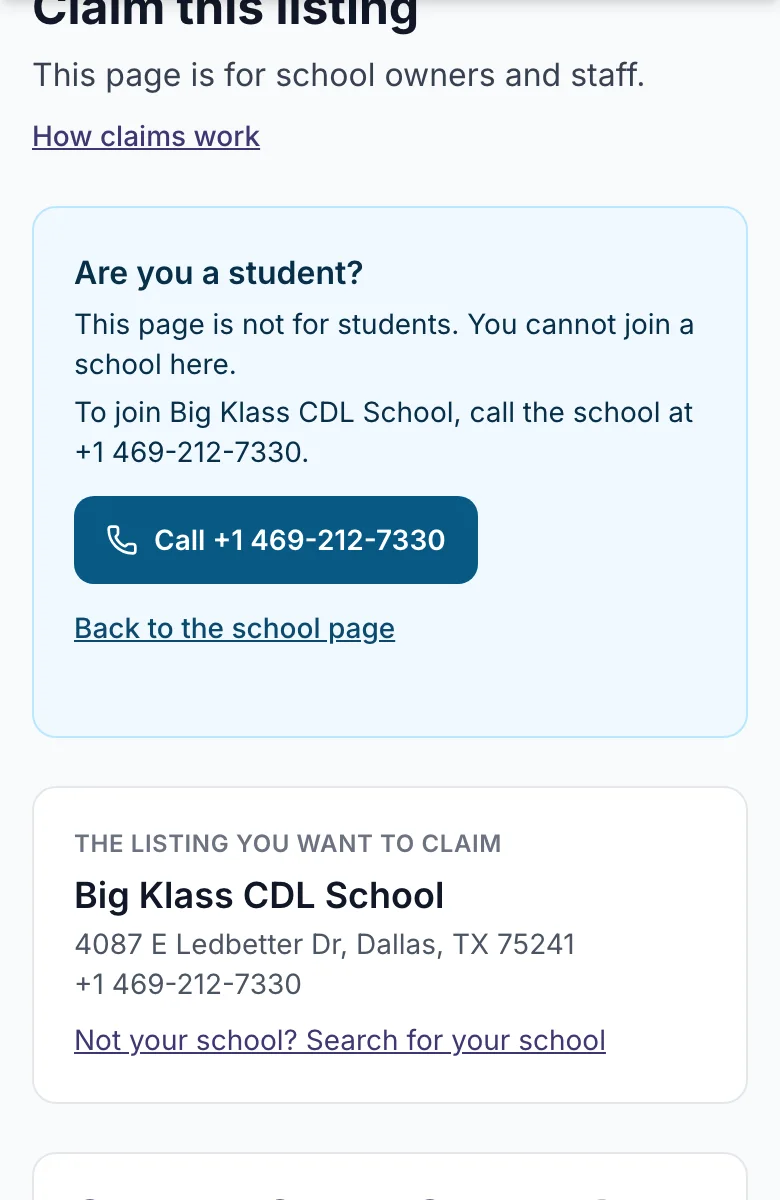
Wait for our decision. You do not need to do anything. If you sign in before we decide, you come back to the claim page.
-
Read the decision email. There are three kinds:
- Approved. You now manage the listing.
- We need one more thing. The email says what to add. Open your claim and add it.
- Not approved. The email says why.
-
After approval, press Go to your Company Profile on the claim page, or the button in the email.
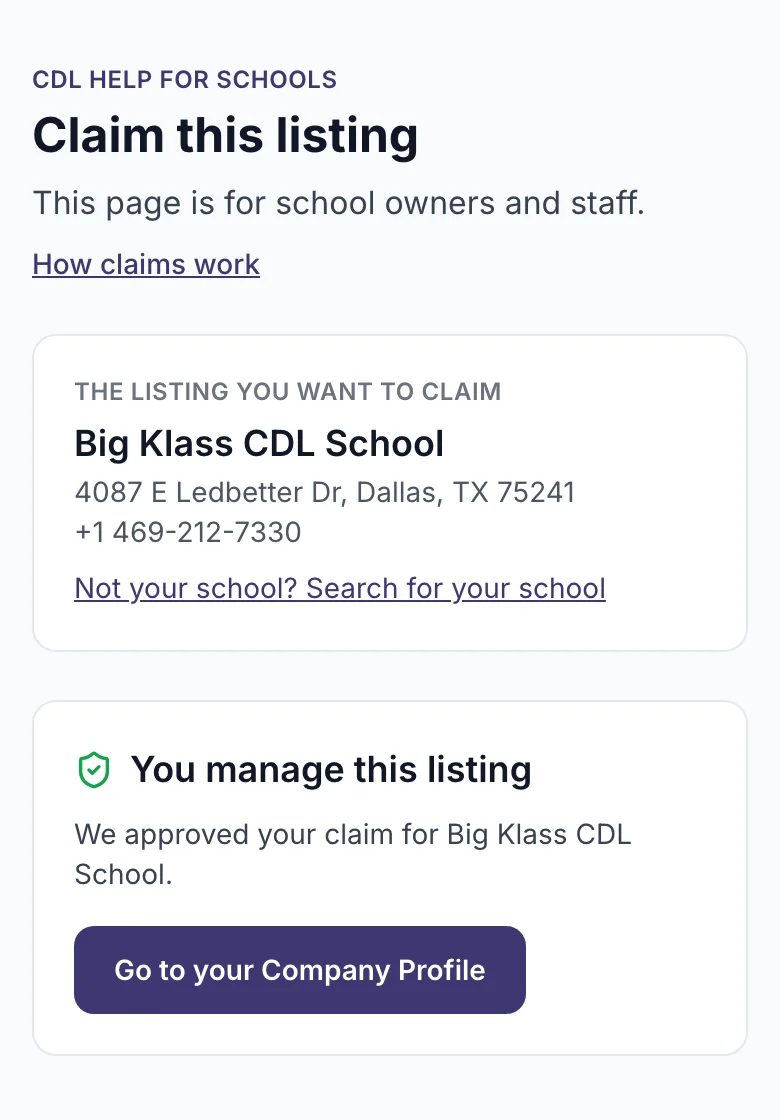
What you will see
Your school page, with sections for the company, locations, programs, media and performance. The public listing shows "Managed by the school".
If it does not work
- No email after a few days. Check spam, then write to us.
- Someone else claimed the school first. The email says "another person at this school already manages this listing". Ask that person to add you to the team.
- Your claim was rejected and you have better proof. Start a new claim from the listing page.
What happens next
You can edit your page. Some changes show at once, some wait for a short review. See Your school page.
Related
Still stuck? Write to us